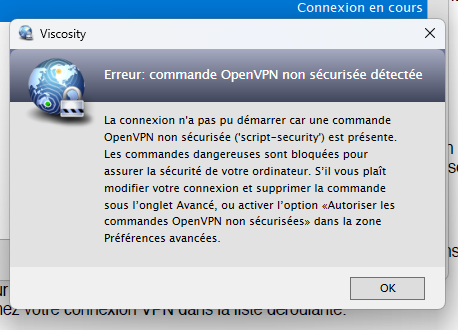
You should edit the connection in Viscosity, go to the Advanced tab, and remove the “script-security” command. It’s not required for your VPN connection to work, and it can be insecure.
For more information please see the article:
The macOS version will be automatically removing it when your connection is imported (if no OpenVPN scripts are actually being used). It sounds like the Windows version may have slightly different behaviour - I’ll make sure we look into it and see if it needs to be updated to match.
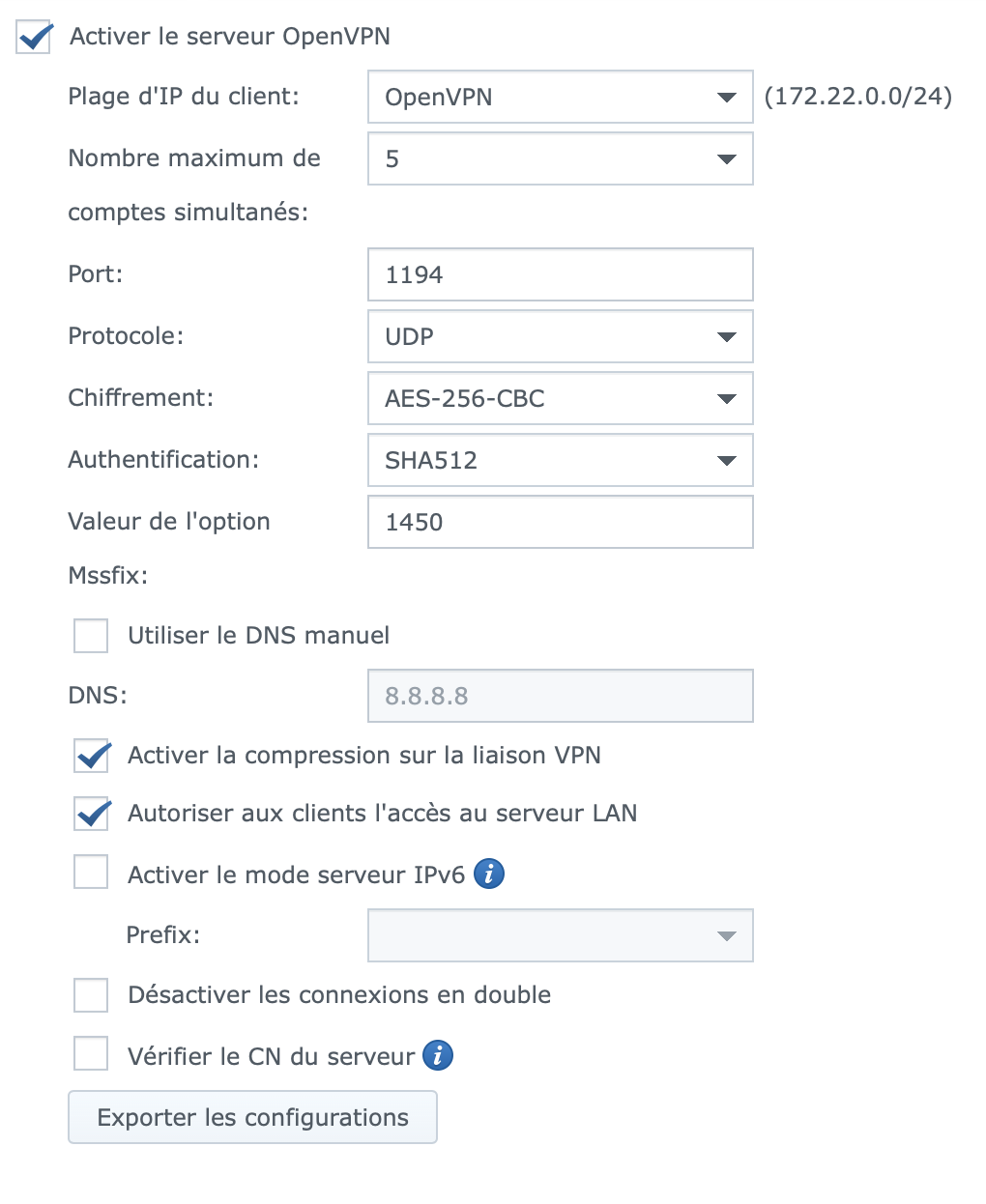
Are there any settings that need to be changed on the SYNOLOGY VPN server so that the “script-security” command does not have to be removed, thereby avoiding a reduction in Viscosity security?
I recommend reaching out to Synology’s support staff and see if there is an officially supported method. I know in the past you could edit the template client configuration on disk over SSH in the “VPNCenter/etc/openvpn” directory, but I have no idea if that’s still the case.
You can also use a text editor to remove the command from the configuration prior to importing it into Viscosity (if you’re planning on distributing it to others and don’t want them to have to make the change themselves), or exporting the connection from Viscosity after making your configuration changes.
Cheers,
James
SparkLabs Newsletter
Thank you for being interested in keeping up with the latest news from us! Please double-check your email address below and then click the Subscribe button.